ARKANCE UK Community Help Center home page
Back to ARKANCE website Blogs FAQs Support
Blogs Videos White Papers On-Demand Webinars News Meet the Bloggers
Sign in
  1. ARKANCE UK Community
  2. Content
  3. White Papers

Search

AutoCAD Map 3D – Convert SDF to SHP

Marketing
Marketing
  • September 23, 2024 15:43

By David Crowther 

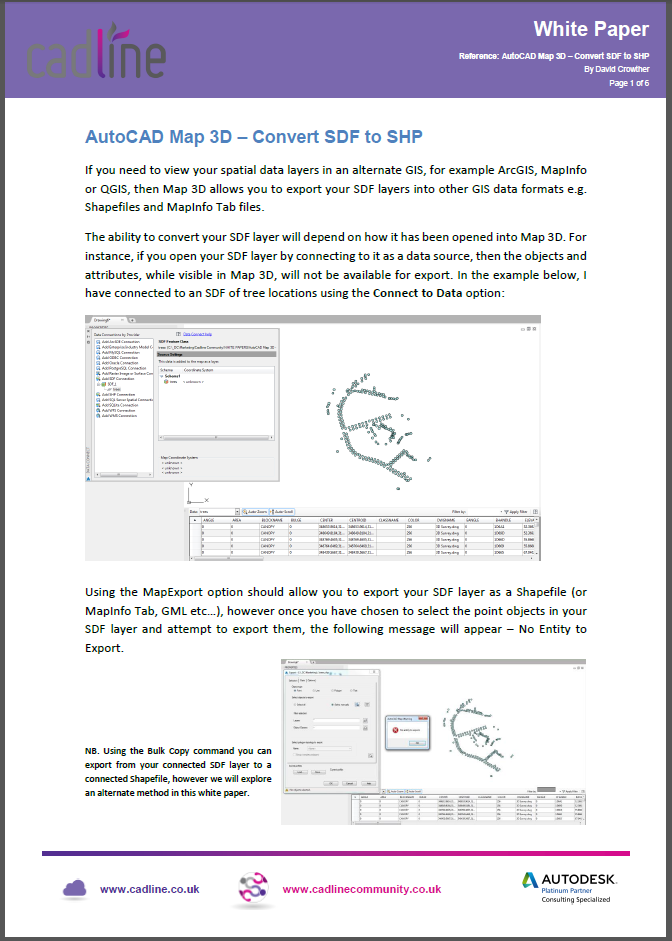
This white paper illustrates how to convert features in a SDF layer to a SHP file using AutoCAD Map 3D.

Click the link below to download the whitepaper.
  • 2011677121 MB

Was this article helpful?

0 out of 0 found this helpful

Have more questions? Submit a request

Related articles

  • InfraWorks 2022 - Unable to Open Model
  • QGIS to CAD – Export Labels to CAD
  • Create 3D Solids from a Civil 3D Surface or Pipe Networks
  • GeoServer SLD - Using GeoServer Explorer
  • AutoCAD Map 3D – Accessing Open Street Map

Comments

0 comments

Please sign in to leave a comment.

Articles in this section

  • AutoCAD Electrical 2026 – Migrating From A Previous Release
  • Civil 3D - Installation check Country kit UKIE
  • AutoCAD Tip - Organise Drawings with Sheet Set Manager
  • AutoCAD Electrical 2024 – What is the {project name}.WDP file?
  • Revit 2024 – Grading Revit’s Toposolid for cut and fill values
  • Revit 2024 – A deeper look at Revit’s new Site Tools
  • Civil 3D® & Dynamo - Transform 2D Polylines into Pipe Network
  • AutoCAD Electrical 2023 – Point to Point Schematic Tools
  • Civil 3D - UKIE Template - Sub-assembly baseline part naming
  • Inventor 2023 - Defining The Mating Surfaces For An Electrical Inventor 3D Part

See all 916 articles

Footer Image
Back to ARKANCE website Our Products About ARKANCE
English (United Kingdom)