
By John Flanagan
About locating the centre point of drafted geometry.
Introduction
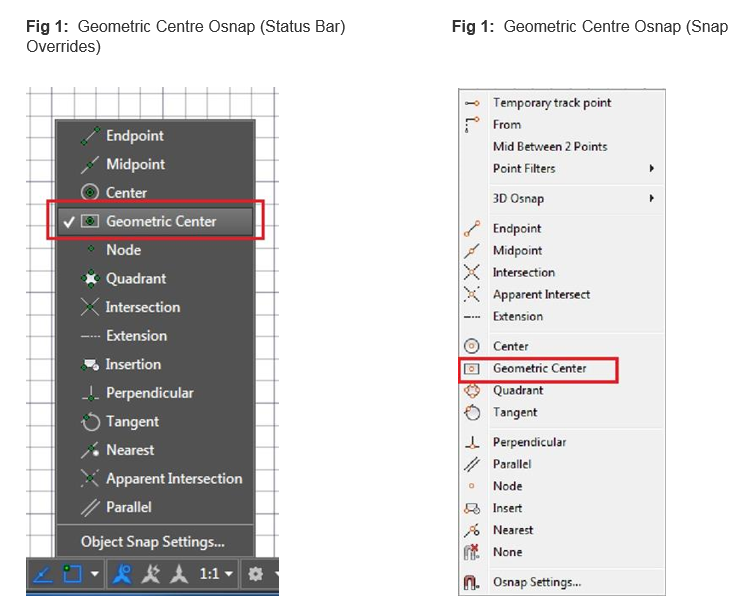
Using the Geometric Centre object snap you can snap to the geometric centre of polygons and closed polylines. It is accessible by entering GCE at the command line as well as from typical osnap controls, including the Drafting Settings dialog box, Status bar, and contextual menus.
Figures 1 below shows the location of the new Geometric Centre Osnap tool in AutoCAD 2016
Fig 1: Geometric Centre Osnap (Drafting Settings)

Tooltips distinguish the Geometric Centre snap from the traditional Centre osnap.

A new object tracking glyph distinguishes the Centre object snap from other object snaps that display the traditional “+” glyph.

Comments
0 comments
Please sign in to leave a comment.