
by Justin Doughty
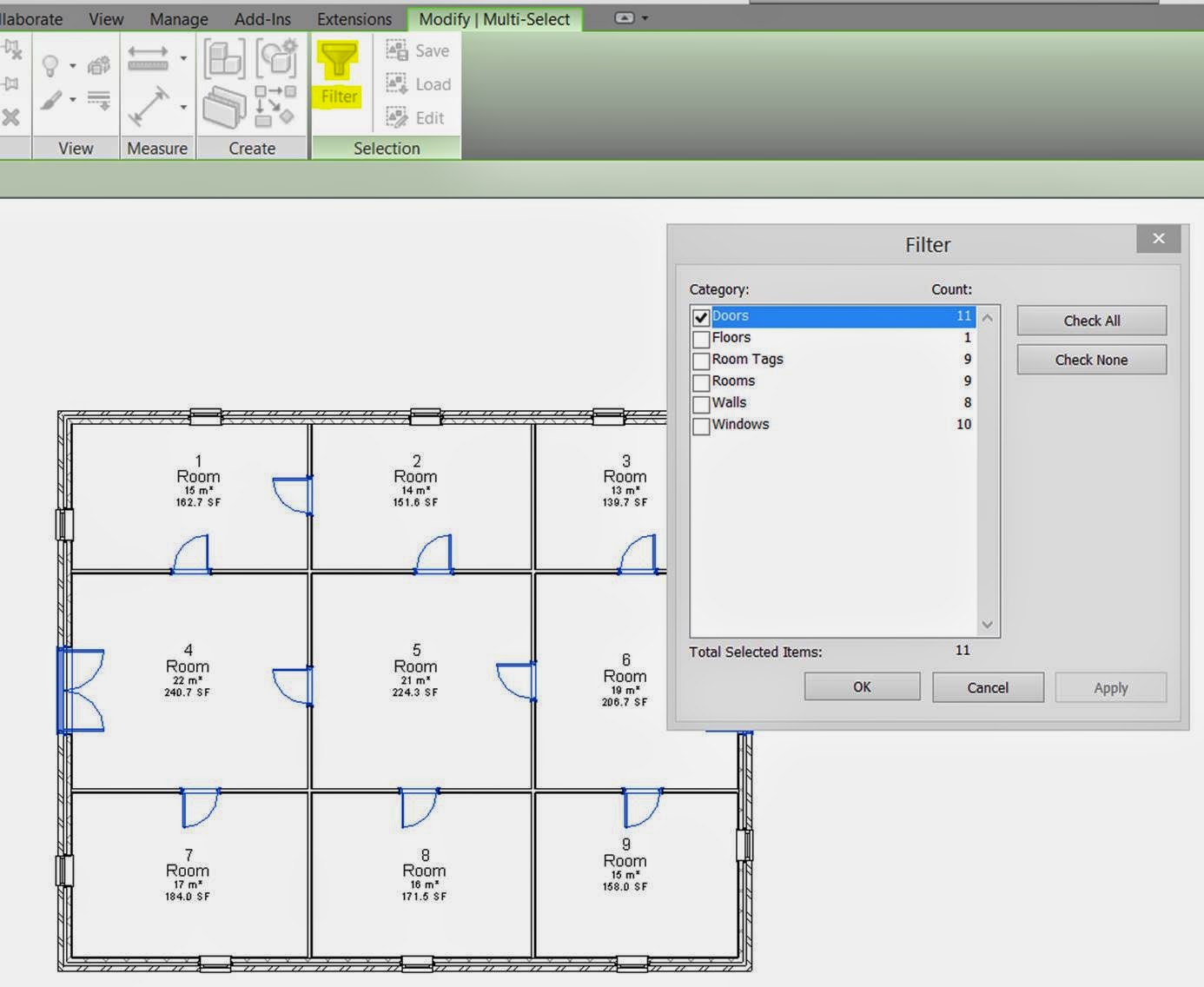
After working on some Revit files recently, I cannot explain how much quicker it is to use Filter when selecting multiple elements.
Filter can be used in various situations, such as selecting lots of the same element, rather than holding CTRL and picking elements one by one
Even selecting elements above/below others in the view.
Just drag a window across the whole view (or at least a rough area) and use Filter to select or de-select the items required.
Comments
0 comments
Please sign in to leave a comment.