
By Connor Ferguson
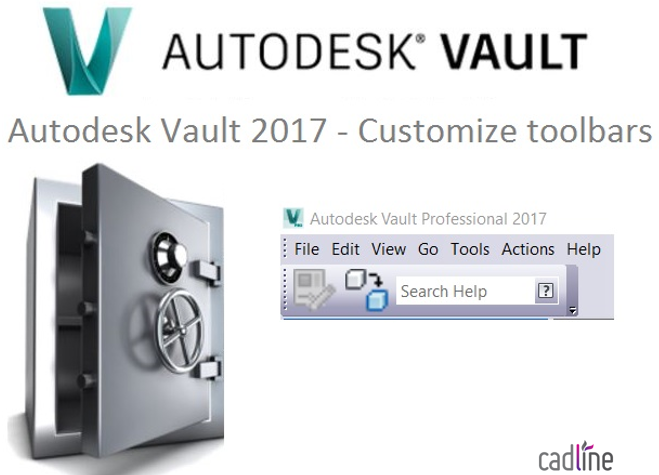
Vault gives you the ability to totally customize the toolbars displayed on the user interface. There are 5 pre-defined toolbars, which themselves are modifiable in terms of the commands they display. These can also be repositioned and with the exception of the main menu, can be totally hidden. An alternative to modifying the pre-defined toolbars is to create your own and select the commands you wish to appear on it.
The below GIF show me firstly editing an existing toolbar, then creating my own and changing the icon sizes.

Comments
0 comments
Please sign in to leave a comment.